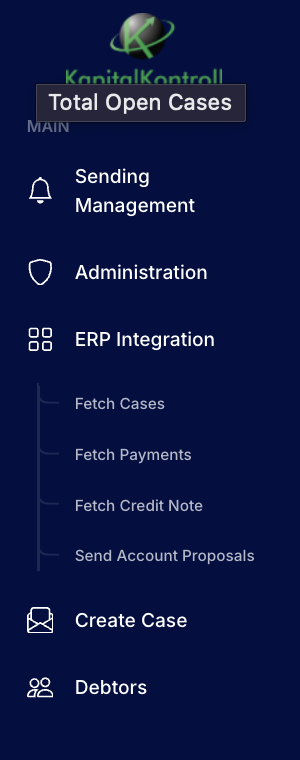
The left hand menu on the front page gives you access to the different administrative pages.
Under Sending management you can see all unsent case actions, send them or delete them.
Under Adminsitration the system admins can edit customer, creditor, caseworkers and integrations.
Under ERP integrations you can see historical fetches from ERP, historical bank files when applicable and historical vouchers that have been sent to your ERP. You can manually trigger fetching/sending by pressing dedicated buttons and choosing a date.
Under Create case you can manually create case directly or from Excel
Under Debitors you see all the debitors registered in the system, here you can edit their information, see an overview for each one, block dunning for specific debitors or set debitor specific case flows.